.png)
How to sign out of my account?Updated 3 months ago
Where do I sign out?
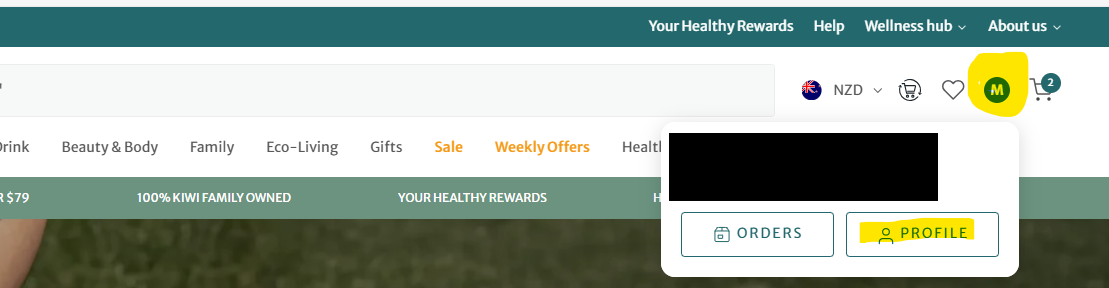
If you would like to sign out of your current device:
- Click your initial in the top right hand corner
- Select "Profile"
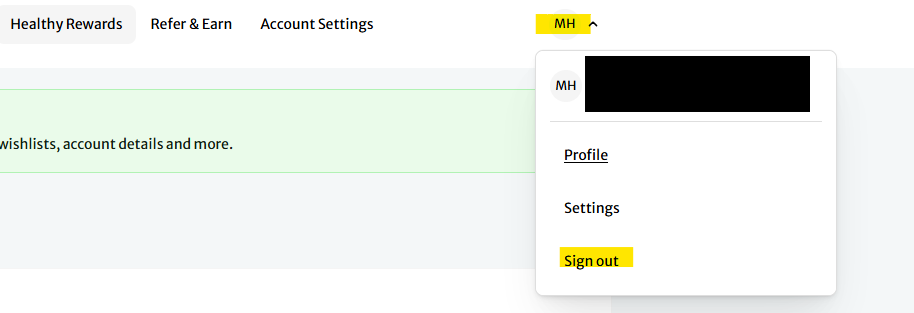
- Click on your initials
- Select "Sign out"
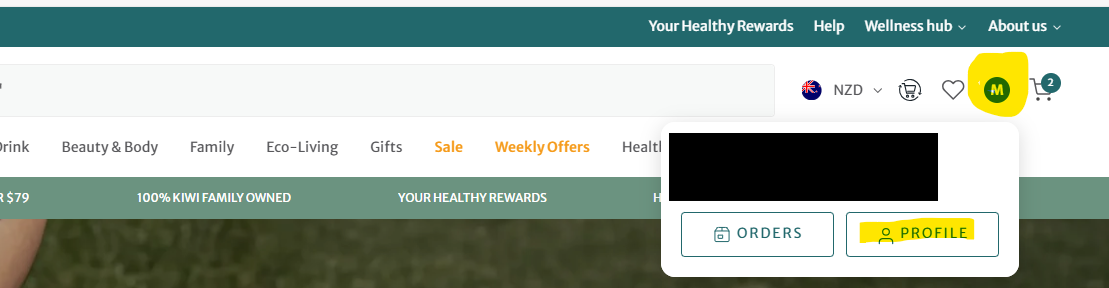
If you would like to sign out of all devices you are currently signed into:
- Click your initial in the top right hand corner
- Select "Profile"
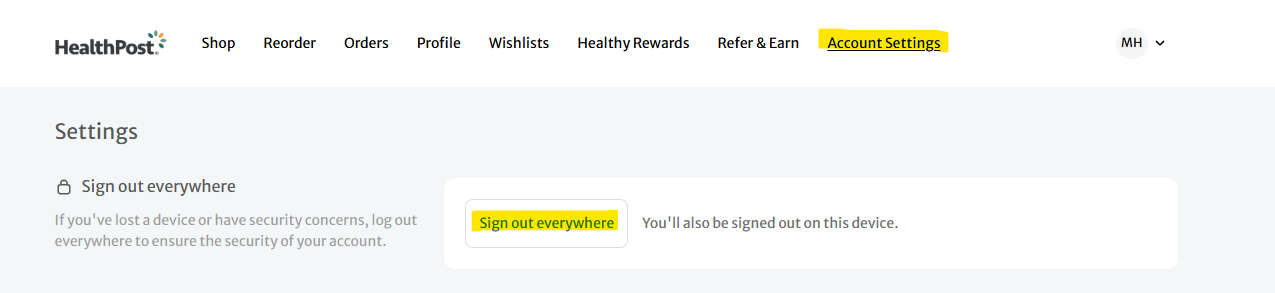
- Select "Account settings"
- Click on "Sign out everywhere"