.png)
My Rewards BalanceUpdated 4 months ago
Where can I see my Healthy Rewards balance and history?
You can see "Your Healthy Rewards" balance in the header of our site (top right-hand corner), please note you must be signed in first.
How can I view my Healthy Rewards History?
Whenever you earn Healthy Rewards, your Rewards History will be updated. You can also view any tier upgrades and HealthPost Anniversary voucher codes here too.
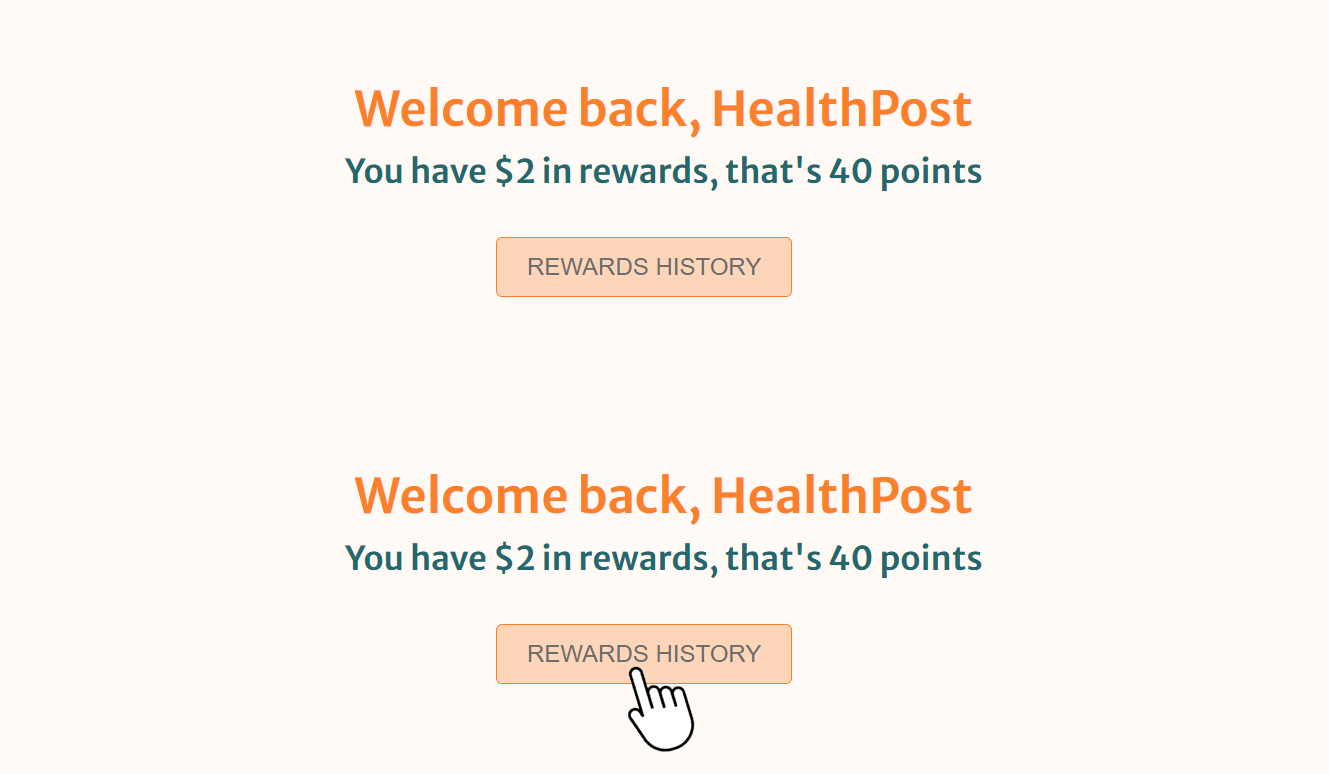
To access your Rewards History follow these steps:
- Login to your HealthPost account
- Find the ‘Refer and earn’ section within your account by clicking on your name at the top right of the screen and select 'profile'
- 'Rewards History' button
How can I see the rewards I redeemed on my previous orders?
If you wish to see the Healthy Rewards you have redeemed on your orders, you can view these on the ‘Orders’ page:
- Locate your order on the ‘Orders’ page
- Click on 3 dots to right of order and select 'View order'
- Click ‘Download PDF Invoice’
- Scroll down to the Total section of the invoice to view the amount discounted in Discount. If you’ve checked these things, and still think something is not right, please get in touch.
I’ve made an order and can’t see my rewards. How long does it take for my Healthy Rewards to be added to my account?
Healthy Rewards are earned as soon as you make an order and will be added to your account within a few minutes. Please refresh the page if you are not seeing these if you are unable to see these after 20 minutes, please get in touch.
Have another question? Our friendly customer care team are here to help.
Discover 6000+ natural health and wellness products at our online store.